Random Number Picker Wheel 1-100
Random Number Picker Wheel 1-100 is a free online random number generator that lets you pick a random number from 1 to 100 by spinning a colorful number wheel. Whether you need a number spinner 1-100, lucky number picker, or random number selector wheel, just spin the wheel 1-100 and get your result instantly. Perfect for classrooms, giveaways, games, and any decision that needs a fair random number — no signup, no download, just spin.
1. What is Random Number Picker Wheel 1-100?
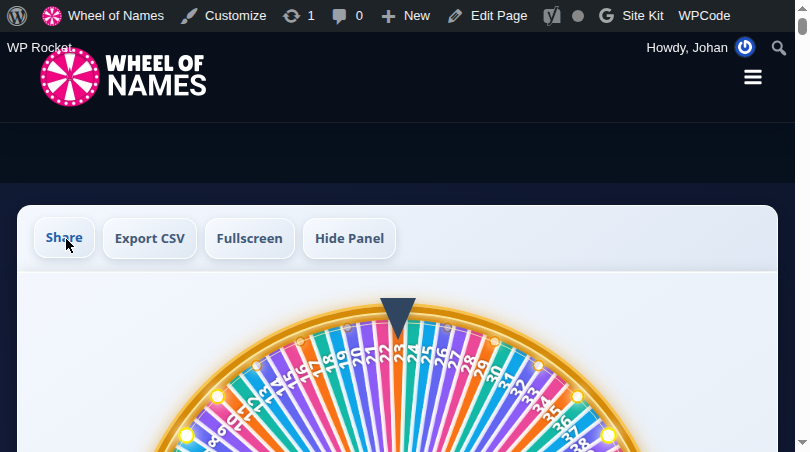
Random Number Picker Wheel 1-100 is a free online random number generator and number wheel 1-100 that selects a number between 1 and 100 by spinning an interactive wheel. Each of the 100 numbers gets its own colorful segment on the wheel. When you press spin, the wheel rotates with realistic physics and lands on one random number.
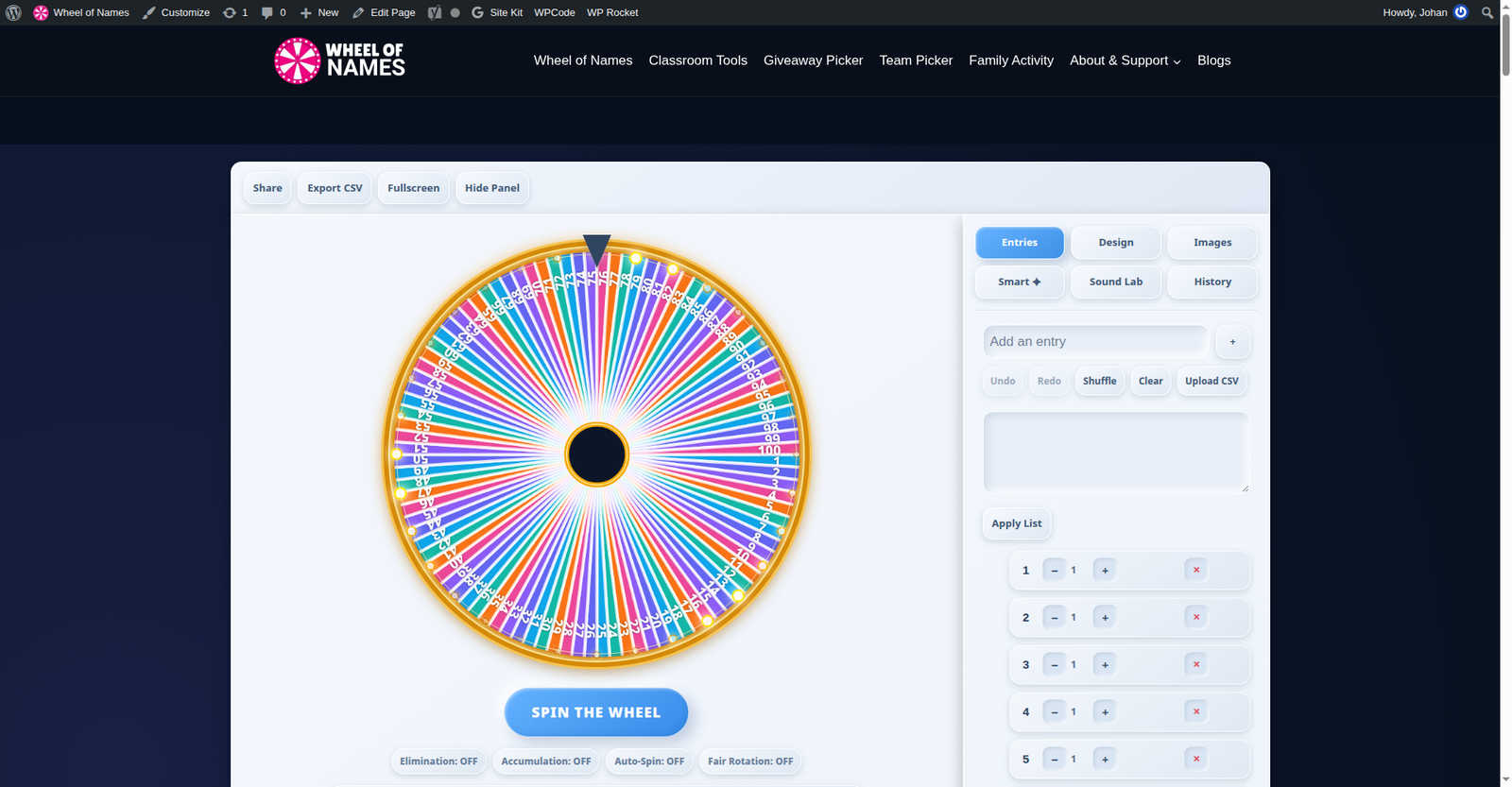
This number randomizer 1-100 and random number selector wheel is ideal when you need a quick, visual, and fair way to pick a number 1-100. Teachers use it to call on students by number, event organizers draw giveaway winners, gamers roll for turns, and teams make unbiased selections.
Unlike basic number picker online tools that just display a digit, this random wheel 1-100 makes the process transparent and exciting — everyone can see the wheel slow down and land on the winning number.
To generate a random number between 1 and 100, simply press spin and let the random spinning wheel do the rest.
2. How to Use the Number Picker Wheel?
Using this free random number generator 1-100 takes seconds. The numbers 1 to 100 are pre-loaded on the picker wheel 1-100, so you can spin a number wheel immediately — or customize the list first.
Managing Your Numbers
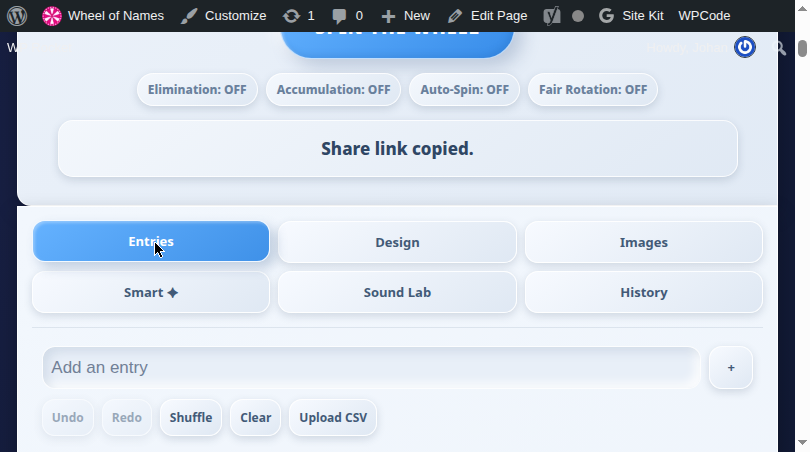
Open the Entries tab in the side panel of this customizable number wheel 1-100 to see all 100 numbers. Each number has weight controls (−/+) and a delete button. You can:
- Add a custom number using the “Add an entry” field
- Remove numbers you don’t need with the × button
- Adjust weight to make certain numbers more likely
- Shuffle to randomize the order of segments
- Clear to start fresh, or Upload CSV for bulk lists
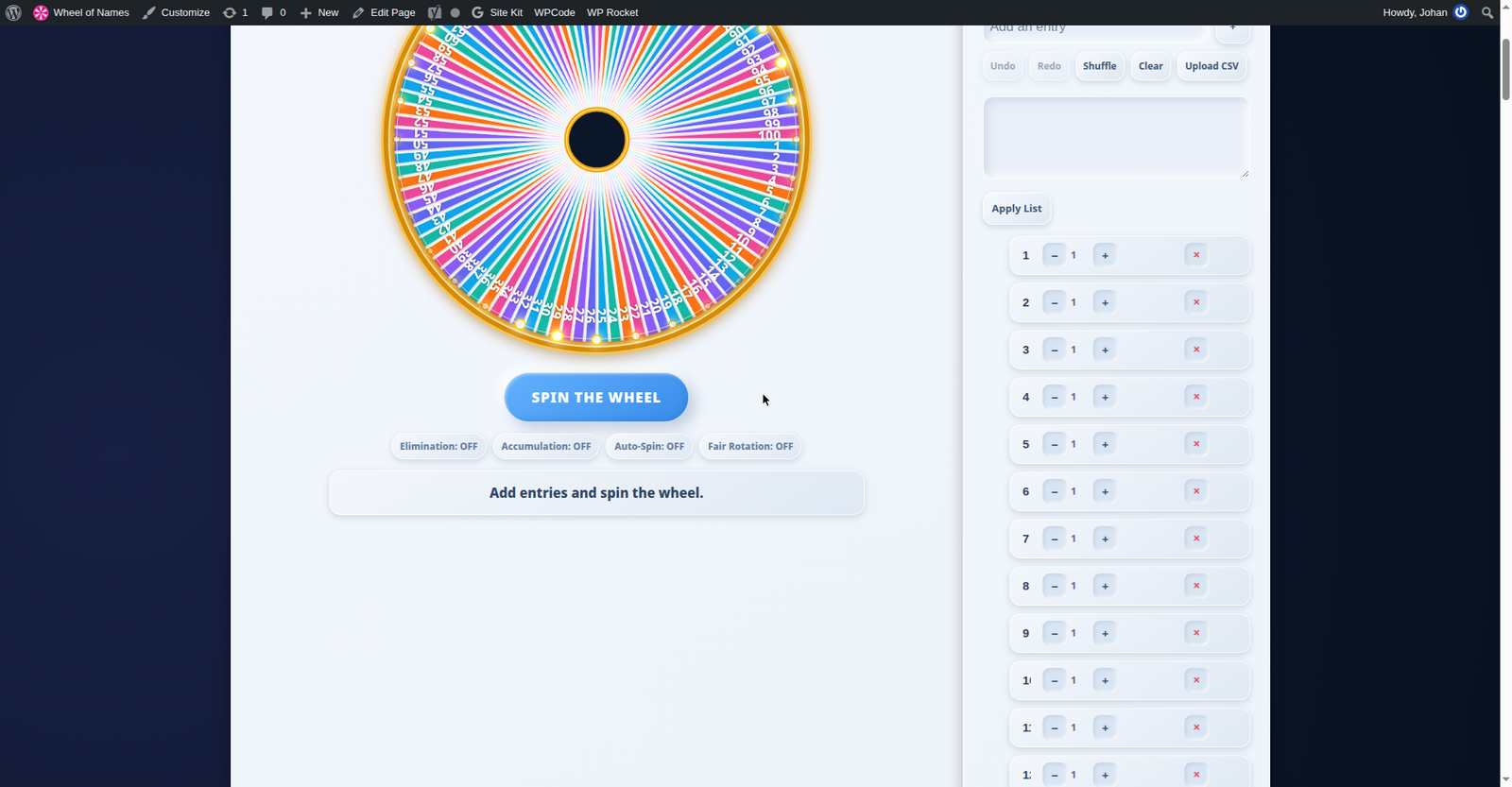
Click Apply List after pasting a bulk list of numbers.
2.2 Spinning the Wheel
Press the large SPIN THE WHEEL button on this spin number wheel online tool (or click the number spinner 1-100 itself) to start. The wheel accelerates, spins with realistic easing, and gradually slows down before the pointer lands on the winning number.
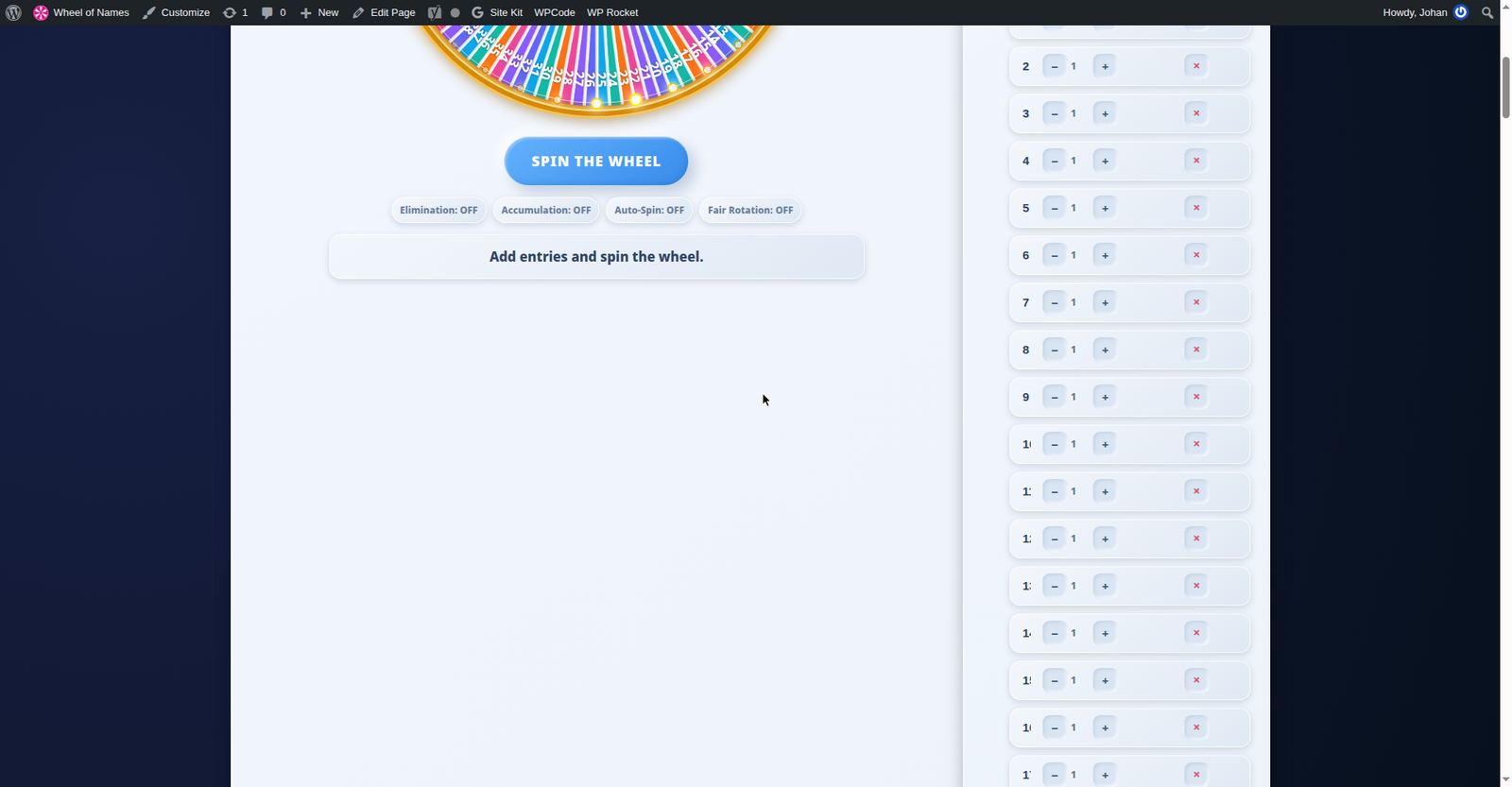
You can also press Enter on your keyboard when the wheel is focused.
2.3 Understanding the Result
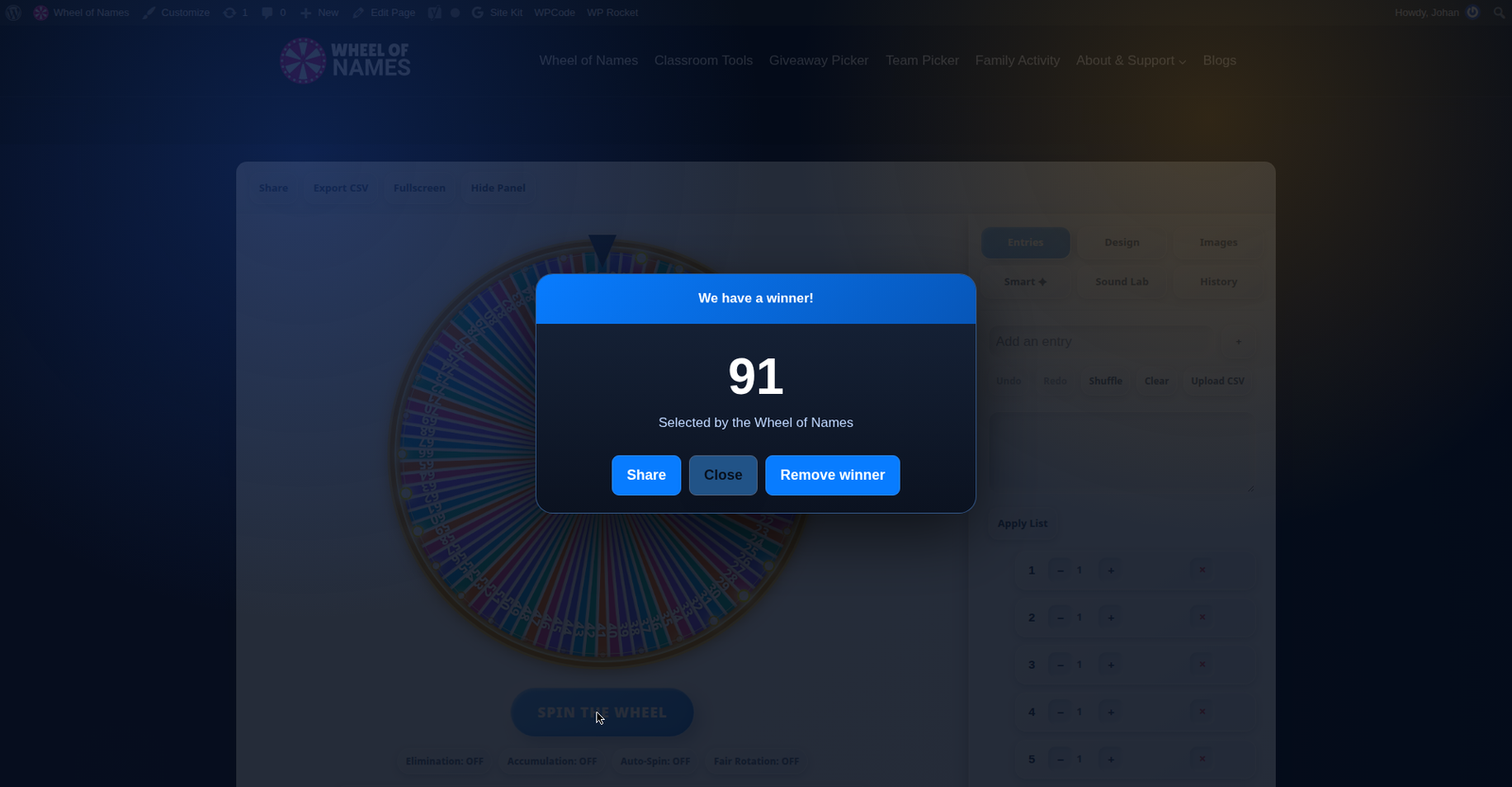
When the wheel stops, a “We have a winner!” popup displays the selected number. From here you can:
- Share the result via link
- Close to spin again
- Remove winner to take the number out of the wheel (useful for no-repeat draws)
3. Customizing Your Wheel
Open the Design tab to personalize your random number wheel online‘s appearance:
- Color palette — choose from preset gradient themes
- Spin duration — set how long each spin lasts (1 to 30 seconds)
- Background image — upload a custom image as the wheel background
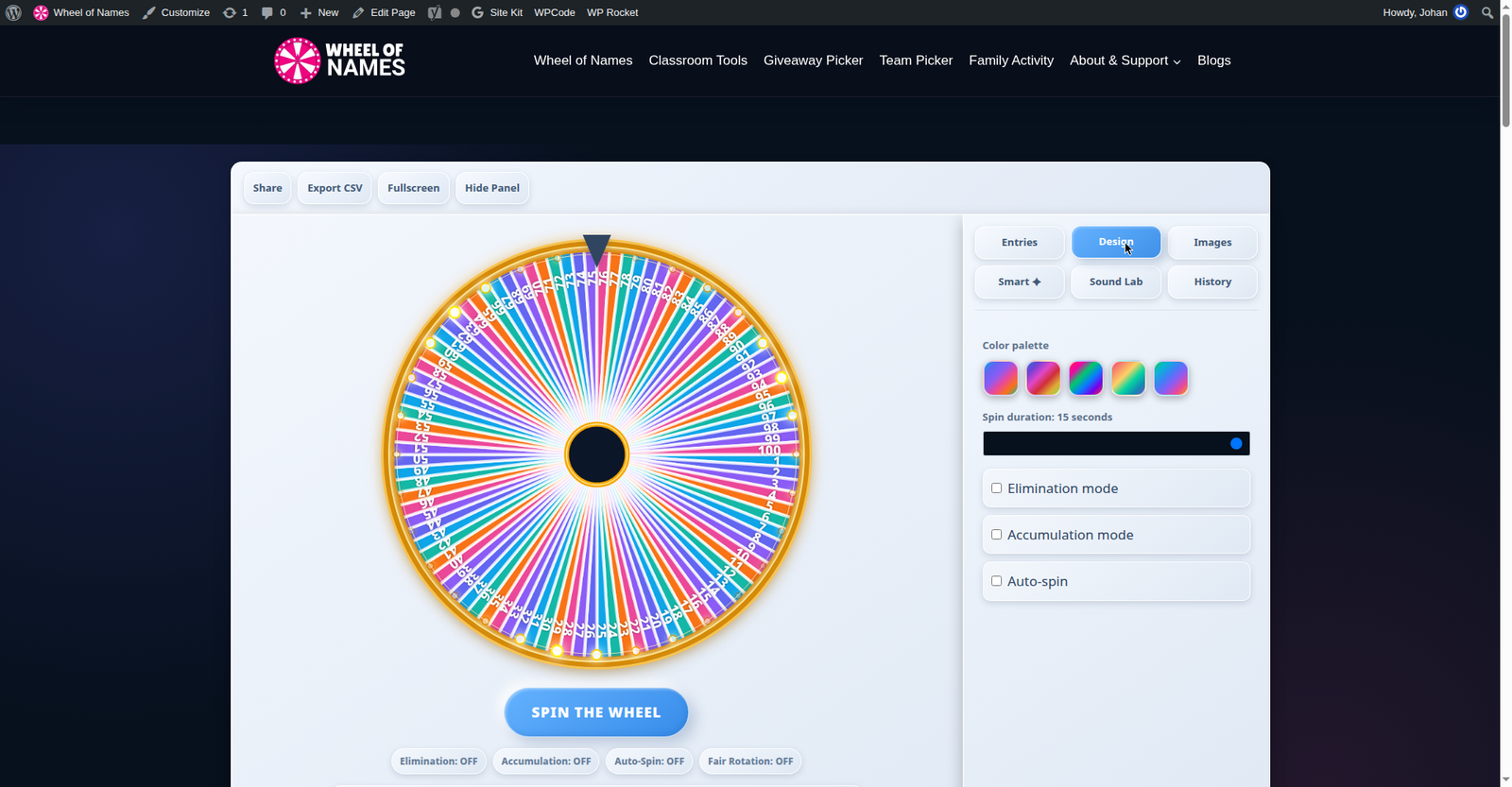
Visit the Images tab to add pictures to individual numbers, and Sound Lab to change tick sounds and celebration effects.
4. Spin Modes Explained
This random picker wheel online offers several modes for different use cases:
- Elimination mode — perfect for this number roulette 1-100, removes each winning number chooser 1-100 result after it’s picked. Perfect for raffles where each number should win only once.
- Accumulation mode — counts how many times each number has been selected, great for tracking frequency.
- Auto-spin — spins repeatedly without pressing the button, useful for continuous draws.
Toggle these in the side panel or below the spin button. You can combine modes — for example, elimination + auto-spin for hands-free raffle draws.
5. Viewing History & Results
Every spin of the wheel of numbers 1-100 is recorded in the History tab. You’ll see a chronological list of all winning numbers with timestamps. Use Export CSV in the toolbar to download the full history as a spreadsheet — handy for keeping official records of draws and giveaways.
The Clear button in the History tab wipes the log when you want a fresh start.
6. Sharing Your Wheel
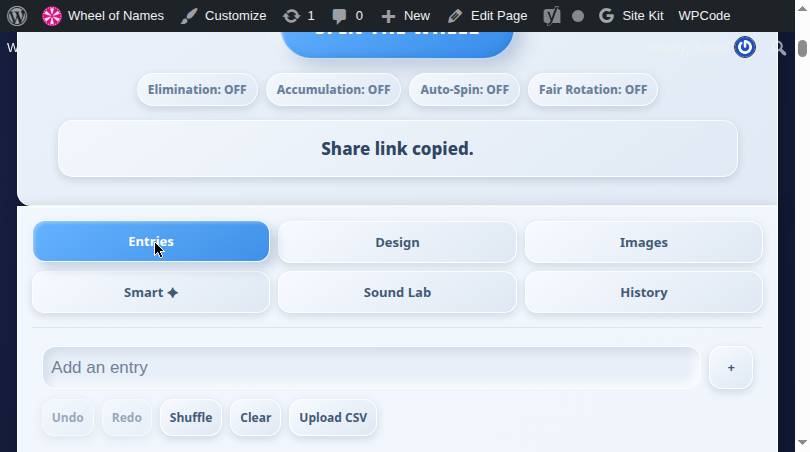
Click Share in the toolbar — the link to your customized lucky number picker 1-100 is copied to your clipboard instantly with a “Share link copied” confirmation. Anyone who opens the link sees the same numbers and settings. This is perfect for remote classrooms, online events, or sharing a specific number set with colleagues.
7. Fullscreen Mode
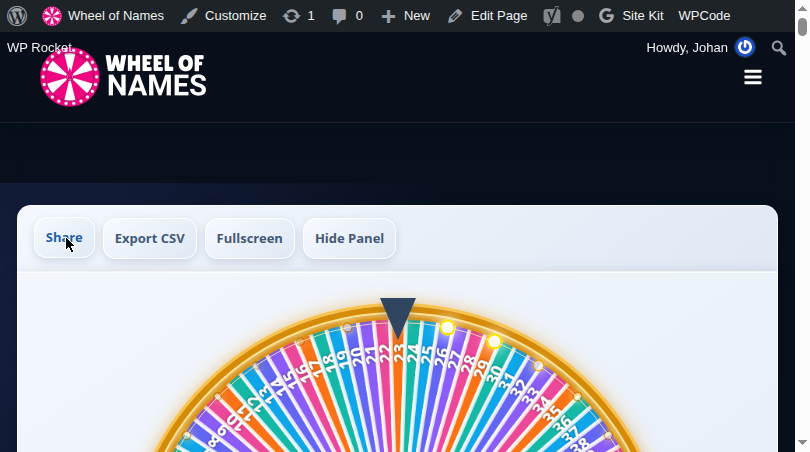
Click Fullscreen in the toolbar to expand the 1-100 random wheel to fill your entire screen — ideal for projecting in classrooms or displaying on stage during live draws. Click again (or press Esc) to exit.
8. Tips for Fair Number Picking
- Use elimination mode on this random number chooser 1-100 for giveaways so no number wins twice.
- Shuffle before important draws to randomize segment positions.
- Export CSV history as proof of fairness for official draws.
- Set a longer spin duration (15-20 seconds) for dramatic live reveals.
- Use fullscreen when presenting your number wheel generator to a group so everyone can follow.
For a different kind of random selection, try our spin the wheel homepage or explore these related wheel of names tools:
- Random Number Generator — free online random number generator for custom ranges
- Yes or No Wheel — quick binary decisions with a spin
- Color Picker Wheel — pick a random color by spinning
9. Frequently Asked Questions
Is the Number Picker Wheel really random?
Yes. The wheel uses cryptographically secure random number generation combined with physics-based spin animation. Every number has an equal chance on each spin (unless you’ve adjusted weights).
Can I pick numbers outside 1-100?
Absolutely. Use the Entries panel to add or remove any numbers — you’re not limited to 1-100. Add 1-1000, custom sets, or even non-numeric entries.
How do I remove a number after it’s picked?
Enable Elimination mode before spinning, or click “Remove winner” in the result popup after each spin.
Can I save my custom number list?
Your entries are saved automatically in your browser. For sharing across devices, use the Share button to generate a link with your current setup.
Does it work on mobile?
Yes — the wheel is fully responsive. Tap the wheel or the spin button to spin on any smartphone or tablet.